Your codes. On your Mac.
Scan a QR code, search, click to copy. Behind Touch ID, encrypted on disk, and never on the network.
macOS 15 or later · Free and MIT licensed
Scan a QR code, search, click to copy. Behind Touch ID, encrypted on disk, and never on the network.
macOS 15 or later · Free and MIT licensed
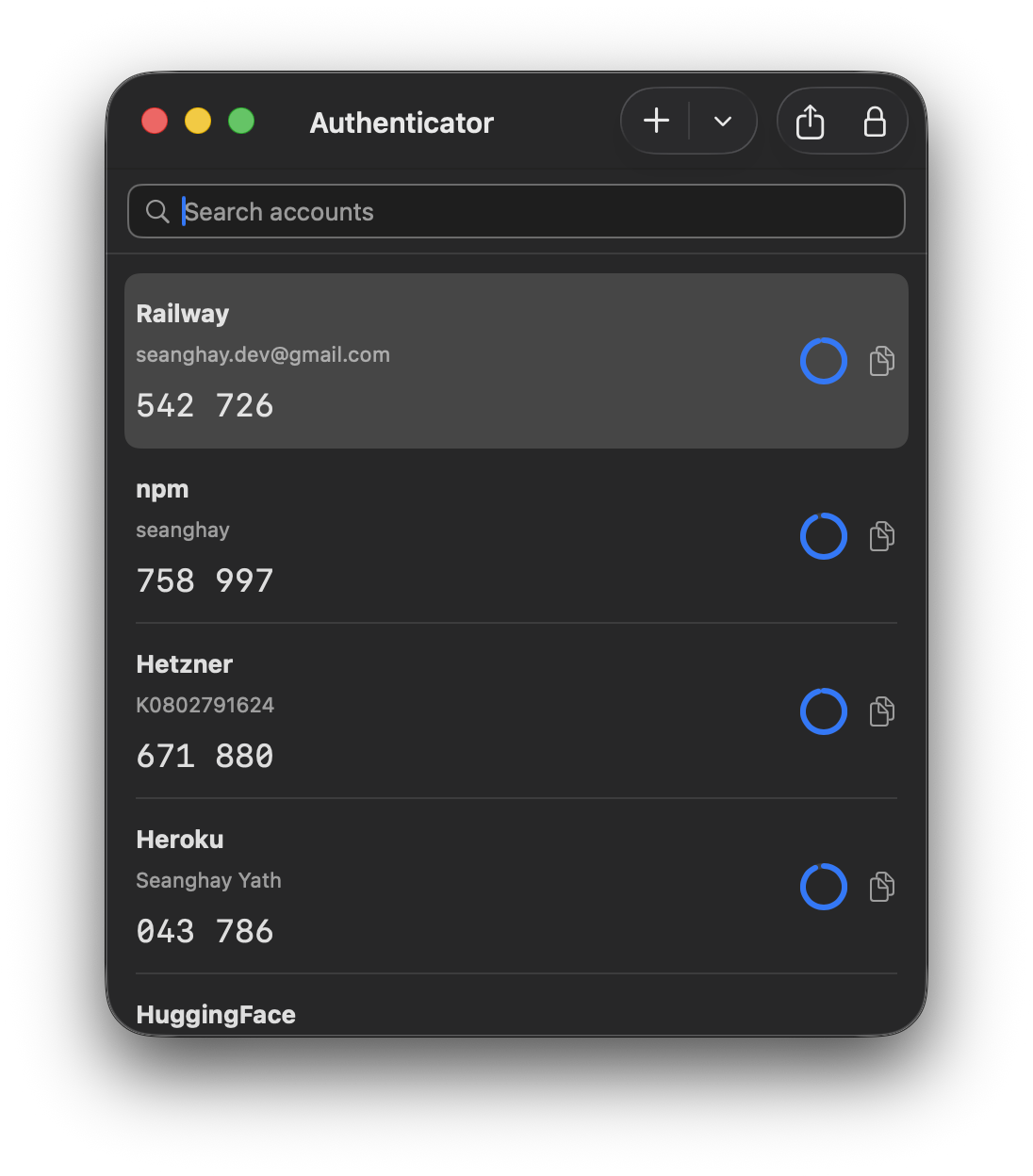
otpauth:// link, or type a secret in by hand
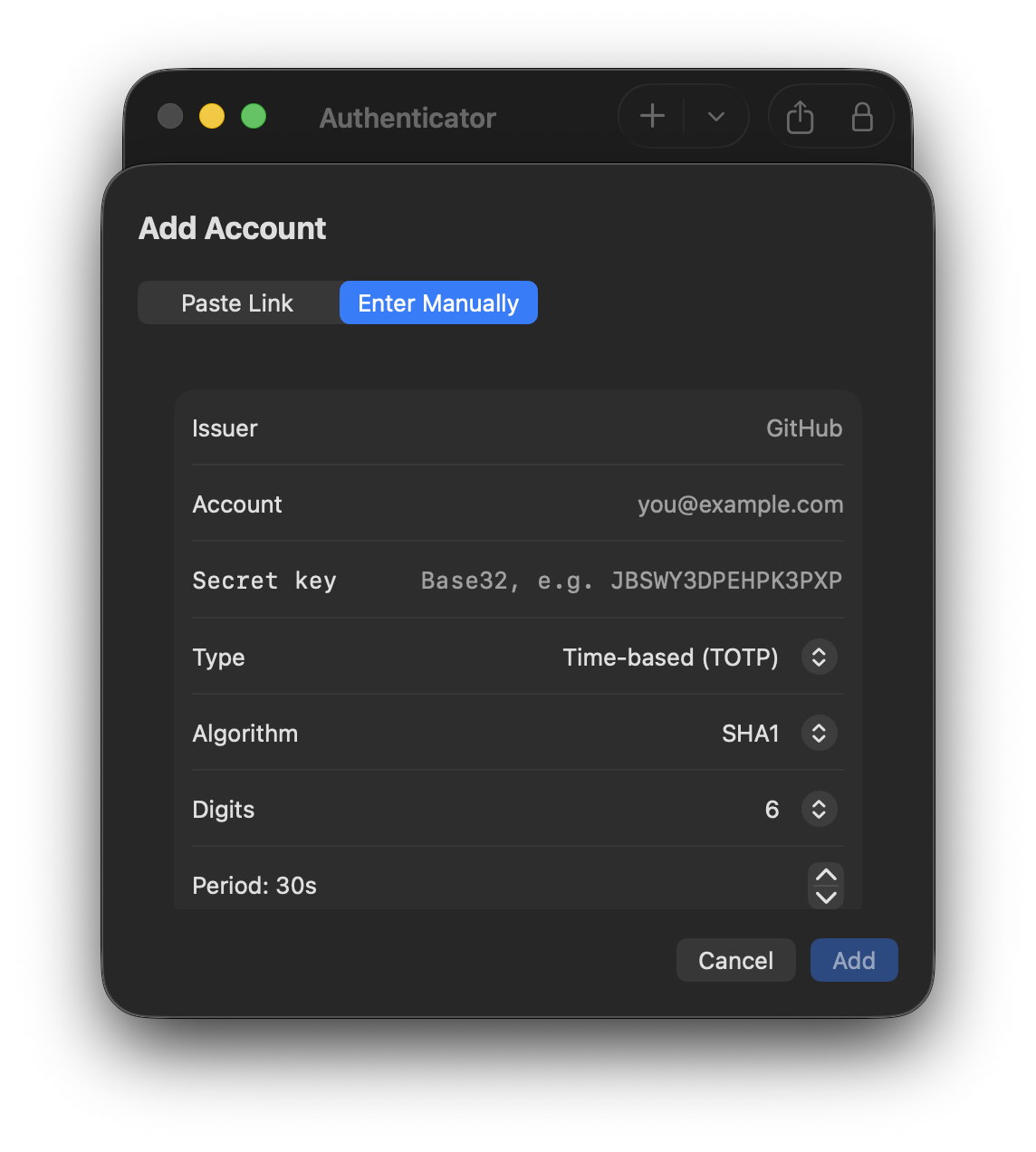
One click on a row puts the code on the clipboard. Set it to wipe itself again after 15 seconds if you'd rather it didn't linger.
Start typing to narrow by issuer or account. ⌘F from anywhere in the app.
Unlock at launch and again after it sits idle. No Touch ID on your Mac? Your login password works instead.
One AES-GCM file in the app's sandbox, with the key in your Keychain. Even the issuer names are inside the ciphertext.
Export a QR for any single account, or one batch code that moves everything back to a phone.
The app ships without the network entitlement, so it cannot phone home even by mistake. No account, no sync, no analytics.
The release build is ad-hoc signed rather than notarized, so macOS quarantines it. Move Authenticator to Applications, then clear the flag once:
xattr -dr com.apple.quarantine /Applications/Authenticator.appYes, if you're using the DMG. Ad-hoc builds have no stable code-signing identity, so after you replace the app macOS may ask before letting the new copy read its own vault key — and denying that prompt locks you out. Export your accounts first, or build from source with your own signing team, which sidesteps it entirely.
Nowhere. Accounts live in a single encrypted file inside the app's own sandbox container on your Mac, and the key is a Keychain item. No account, no network, no analytics.
Yes. On your phone choose Transfer accounts → Export, then scan the QR code it shows with your Mac's camera, or screenshot it and open the image. It carries every account in one go, and Authenticator can write the same format to move back.
The vault is always encrypted, but the lock itself is enforced by the app rather than by the key. Binding the key to biometrics needs a provisioning profile, which an open-source build can't ship — so treat the lock as a guard against someone at your keyboard, not against someone with your disk and your login password.